
Strong passwords and password managers: a practical guide
Length beats symbols, and reusing passwords is the biggest risk. Learn how to create strong passwords and let a manager remember them for you.
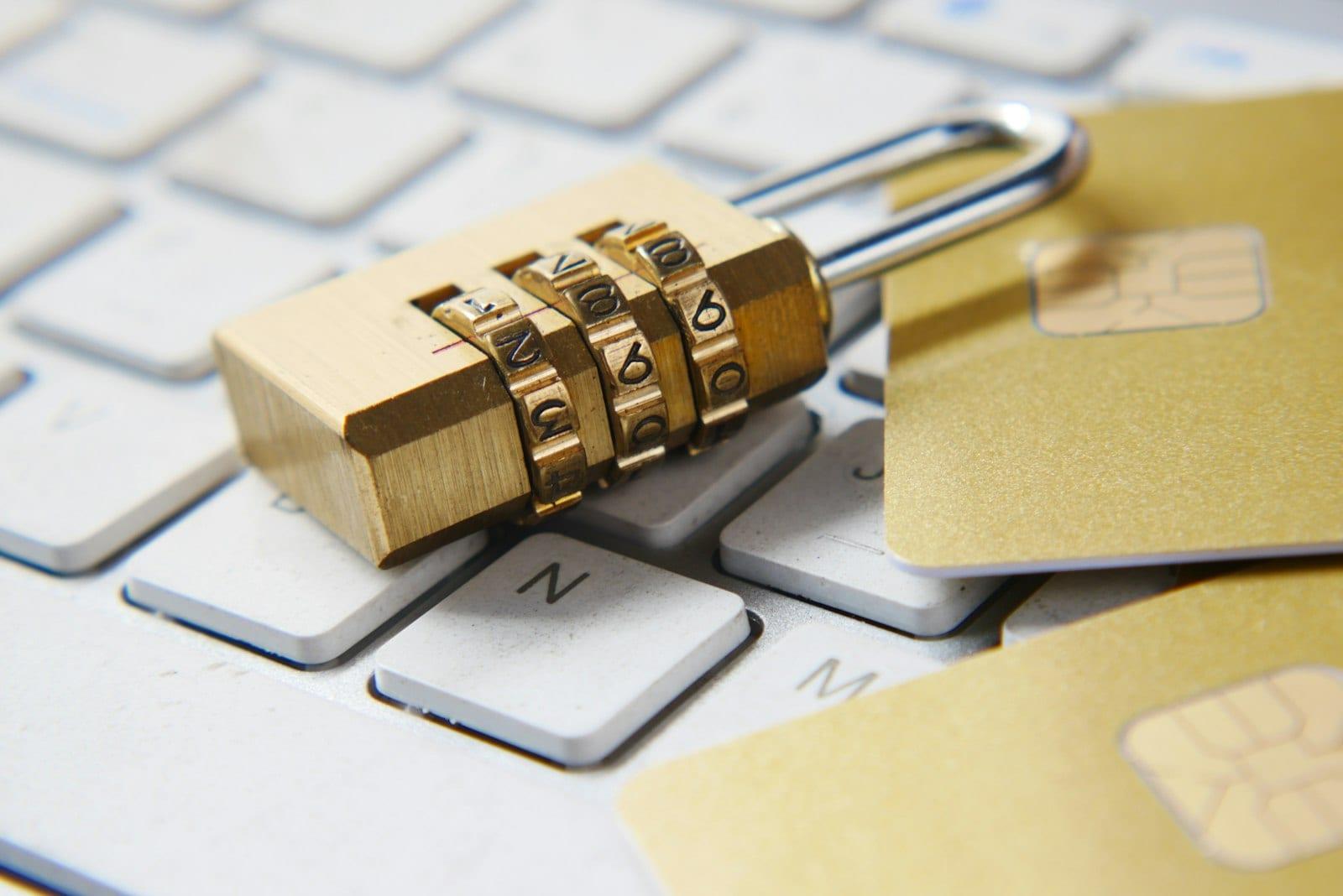
Even with passkeys arriving, passwords are still everywhere. The good news: protecting them well is simpler than it seems and doesn't require memorizing dozens of impossible combinations.
What makes a password strong
- Length: the longer it is, the harder it is to guess by trial and error. Current guidance, such as NIST's (the US standards institute), puts more weight on length than on complexity rules.
- Unpredictability: no birthdays, pet names, sequences like "123456" or the word "password" with a number at the end.
- Uniqueness: a different password for every service.
A practical technique is the passphrase: four or five random, unrelated words, such as "giraffe-rooftop-violin-tide". It's long, easy to remember and hard to guess. What matters is that the words are truly random, not a famous quote.
The biggest risk: reusing passwords
Data breaches happen often, and lists of leaked emails and passwords circulate online. Criminals automatically try those combinations on other sites — a technique called credential stuffing. If you use the same password on a long-forgotten forum and on your email, a breach at the forum opens your email.
Password managers
Nobody can remember dozens of long, unique passwords. That's what password managers are for. They:
- Generate long, random passwords for every site.
- Store everything in an encrypted vault protected by a master password and, ideally, a second factor.
- Fill in logins automatically — and only on the right address, which helps you spot fake pages.
- Sync passwords between your phone and computer.
There are options built into browsers and operating systems as well as dedicated apps, free and paid, including open-source ones. For most people, any well-reviewed manager is far safer than reusing passwords.
The master password is the only one you need to memorize: make it a long passphrase and don't use it anywhere else.
Turn on two-step verification
Two-step verification (2FA) asks for something beyond the password: a code from an authenticator app, a physical security key or a confirmation on your phone. Even if your password leaks, the attacker hits the second factor. Prefer authenticator apps or security keys over SMS, which can be intercepted through SIM-swap scams — but any 2FA is better than none.
Start with your most important accounts: email (which can reset all the others), banking, social networks and stores with a saved card.
Maintenance routine
- Change a password right away if a service reports a breach or you notice strange activity. Periodic changes for no reason matter less than having unique passwords.
- Use services such as Have I Been Pwned to find out whether your email appeared in known breaches.
- Many managers warn you when a password is reused, weak or leaked. Work through those alerts little by little.
- Wherever possible, switch to passkeys, which do away with the password altogether.