
Pix Automático: how recurring payments work on Pix
Utilities, school fees, gyms, subscriptions: learn how to authorize, cap and cancel recurring payments on Pix.
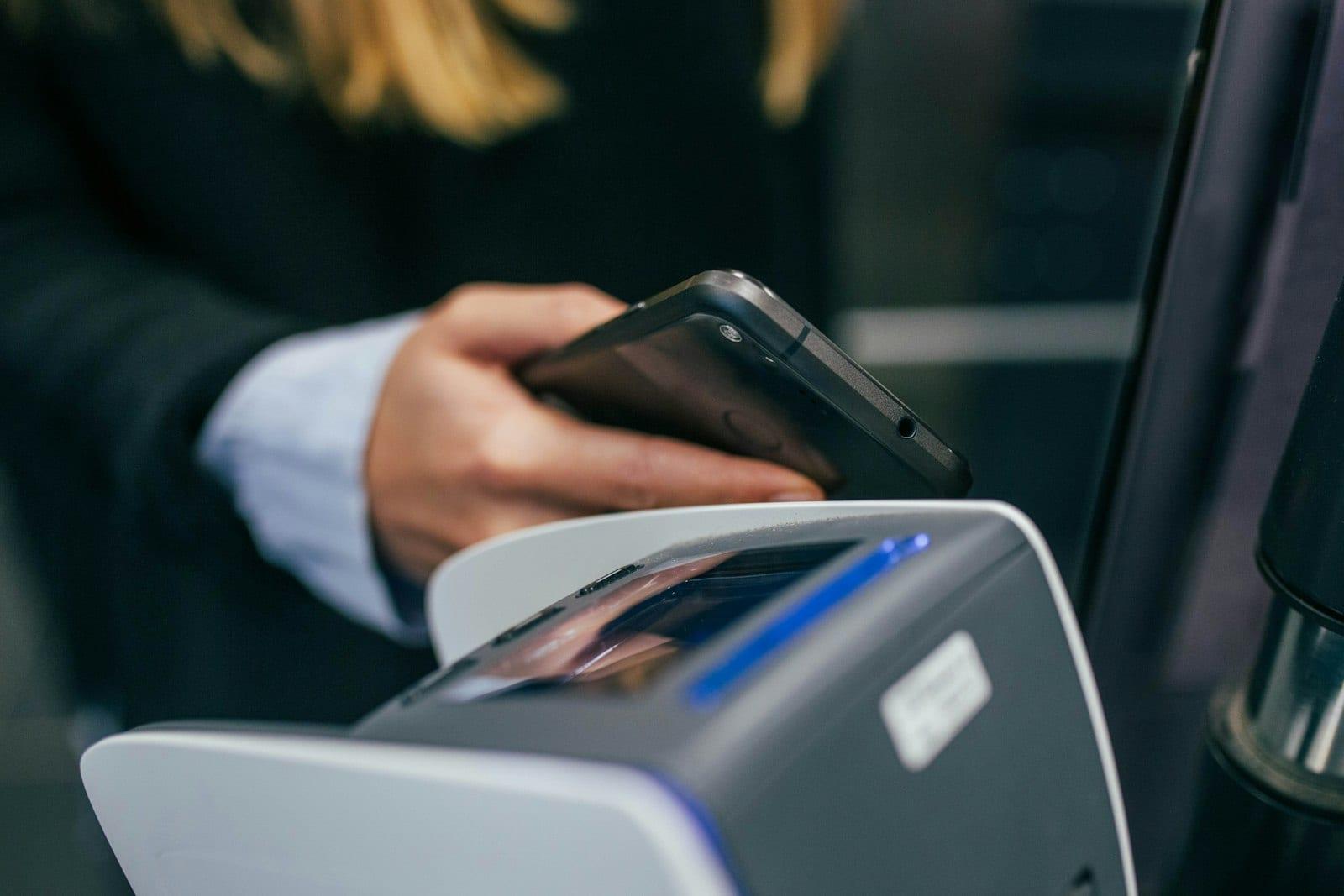
Launched by Brazil's Central Bank in June 2025, Pix Automático lets you pay recurring bills through Pix, the country's instant payment system, without repeating the transaction every month. You authorize once and, from then on, charges happen on the agreed dates — within rules you set.
What it's for
It is designed for payments that repeat: utility bills (electricity, water, phone, internet), school fees, gyms, health plans, digital subscriptions, clubs and recurring donations. Until then, the most common options were the boleto payment slip, which has to be paid each time, direct debit and credit cards.
How it works, step by step
- The company offers the option. Whoever charges you needs to enable Pix Automático through the financial institution it has a contract with.
- You get an authorization request. It shows up in your bank's app — for example, after scanning a QR code or confirming sign-up on the company's website or app.
- You review it and set limits. The authorization shows who will charge you, how often and whether the amount is fixed or variable. You can set a maximum amount per charge, which is useful for bills that vary, like electricity.
- Charges happen on the agreed dates. Your bank schedules the payment and notifies you before the debit, giving you time to check it.
The payer stays in control
A key feature is that everything lives in your bank's app. There you can see active authorizations, adjust limits and cancel an authorization whenever you want. Cancelling the authorization stops future charges. If a payment is already scheduled for the next few days, check in the app how late you can still cancel it.
What about direct debit?
Direct debit still exists. The main difference is on the merchant's side: with direct debit, a company usually needs a separate agreement with each bank where its customers have accounts. With Pix Automático, a single contract with its own institution lets it collect from customers of any bank that offers Pix. That tends to broaden adoption, especially among smaller businesses.
For payers the experience is similar — with the advantage of having authorization, limits and cancellation in one place.
Things to watch
- Check who is asking for authorization. The payee's name appears on screen; be wary of requests you didn't start.
- Use the maximum amount. It protects you against charges higher than expected.
- Keep enough balance on the due date. As with direct debit, the payment depends on funds in your account.
- Review your authorizations from time to time. Forgotten subscriptions are a classic money leak.
Scammers love anything new. Banks and the Central Bank never ask for passwords or codes by message or phone; when in doubt, open your bank's app yourself instead of tapping links you received.
For businesses
If you run a small business with recurring customers — lessons, memberships, subscriptions — ask your financial institution whether it already offers Pix Automático to payees and on what terms. For one-off charges, a Pix QR code with a fixed amount is still the simplest route.